How to pick a Kick overlay template
Kick chat sidebar, Just Chatting layout, gaming overlay, or Starting Soon screen — which template matches your stream, and how each one opens the builder preloaded.
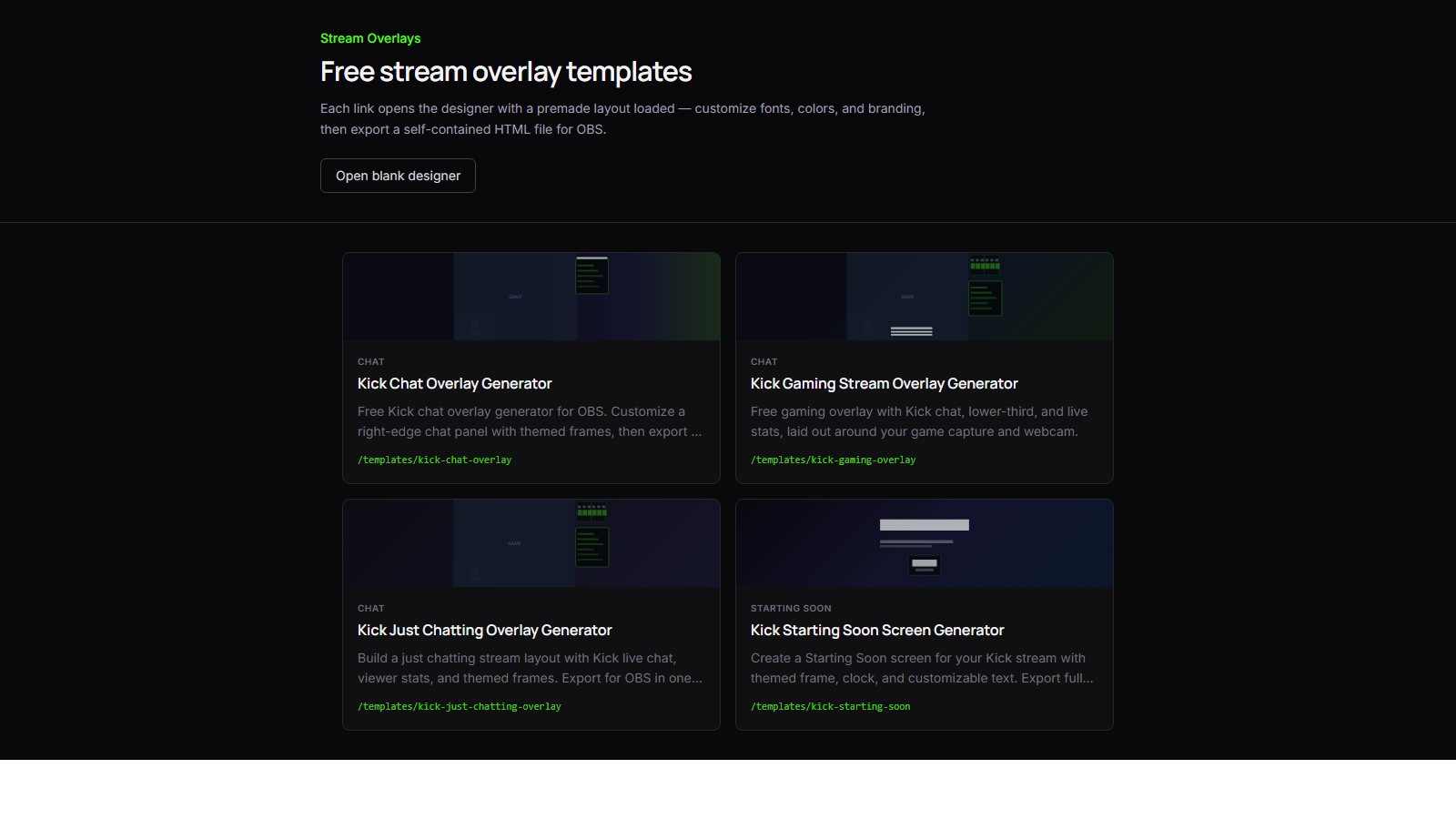
The templates hub is not a dead gallery. Every card opens the builder with a real layout loaded — fonts, frames, chat placement, and Kick wiring already in place. Your job is picking the layout that matches what you're streaming tonight.
Kick chat overlay
Use this when chat is the main graphic and everything else is gameplay or a camera feed.
The Kick chat overlay puts a themed chat panel on the right edge of a 1920×1080 canvas. Live Kick messages scroll inside a branded frame. No separate chat widget duct-taped on top of a static PNG.
Best for: gaming streams where you want chat visible but not dominating the frame; solo streams with a clean game capture and a branded sidebar.
Just Chatting layout
Use this when you're on camera and chat is part of the scene — not tucked in a corner.
The Just Chatting overlay balances webcam space, chat, and live viewer/follower stats. It's built for face-forward streams where the overlay frames you and the conversation.
Best for: Q&A sessions, reaction streams, and any Kick category where the host is the focus.
Gaming overlay
Use this when you need chat, a lower-third, and stats around your game capture.
The gaming stream overlay lays out chat, branding, and live Kick stats around a central game region. You get the "pro stream" composition without buying a locked pack.
Best for: FPS, RPG, and variety gaming where you want chat and stats without rebuilding a layout from scratch.
Starting Soon screen
Use this before you go live — not during gameplay.
The Starting Soon screen is a full-canvas pre-stream hold. Themed frame, clock, and customizable text. Export it as its own Browser Source and swap it out when you're ready to start.
Best for: building hype, reminding viewers of your schedule, and looking intentional in the minutes before stream.
How to choose fast
Ask one question: what is the viewer looking at most of the time?
| If the focus is… | Start with | |------------------|------------| | Game + chat on the side | Kick chat overlay | | You on camera + chat | Just Chatting overlay | | Game + lower-third + stats | Gaming overlay | | Pre-stream waiting room | Starting Soon |
Every template is an on-ramp. Open one, set your Kick channel, tweak colors and fonts, then export HTML for OBS. You can always switch templates later — the builder keeps the customization loop short.
Not sure yet? Open the templates hub, click the layout closest to your stream, and customize from there.