About Stream Overlays
Free browser-based OBS overlay builder for Kick streamers. Design, customize, and export self-contained HTML — no account, no pack treadmill.
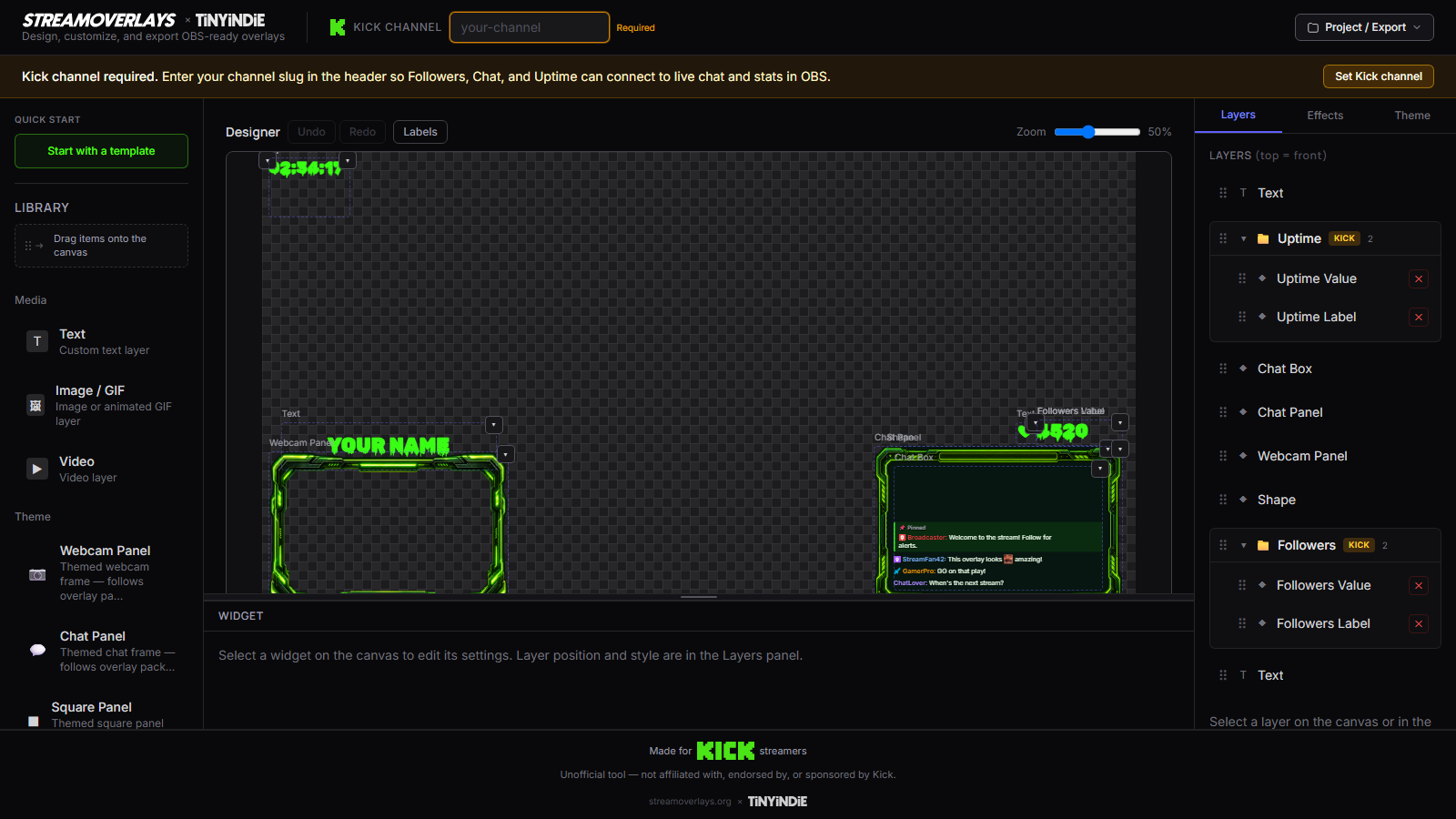
Stream Overlays is a free browser tool for making OBS-ready stream overlays. Pick a template, customize the look, export self-contained HTML, and drop it into OBS as a Browser Source.
Who it's for
Kick-first streamers who want a chat panel, Just Chatting layout, gaming frame, or Starting Soon screen that matches their brand — tonight — without buying another locked pack.
You might be starting your first Kick stream and need to look legit on day one. Or you're tired of a pack you bought once and can't rebrand without Photoshop. Either way, you want a real overlay file you control.
Who it's not for
If you need a full cloud alerts/donations suite, stay on the platform you already use. If you only want a flat PNG and never Browser Source, this is the wrong tool. We build portable HTML overlays.
We're not a design agency. We're not a marketplace selling motion packs. And we're not trying to replace your whole streaming stack — just give you a sharp tool for the overlay file itself.
How it works
- Open the builder (or a template lander).
- Set your Kick channel, colors, fonts, and layout.
- Export HTML or a ZIP with assets.
- Add a Browser Source in OBS pointing at the local file.
Live Kick chat and stats run from the exported page. The overlay lives on your machine — not on our servers during your stream.
Why we built it
Paid packs go stale the moment you want different chat placement. Heavy widget dashboards are overkill when you just need a clean overlay file you control. Stream Overlays keeps the loop short: make it, export it, go live.
The market pushes streamers toward recurring pack purchases or locked ecosystems. We wanted the opposite: a free maker that ships a Browser Source file you keep, backup, and edit whenever your brand changes.
No account wall on the core loop. No watermark on export. The file on your machine is the product.